How to Use a Chatbot Assistant: The Ultimate Guide (2026)
In today’s fast-paced digital world, the chatbot has become an essential tool for businesses, creators, and individuals alike. Whether you’re managing a website, running an online business, or simply looking to automate tasks, learning how to use a chatbot effectively can transform your productivity and customer experience.
This comprehensive guide will walk you through everything you need to know about using a chatbot, from basics to advanced strategies, while also helping you optimize performance for real-world results.
What Is a Chatbot?
A chatbot is a software application designed to simulate human conversation through text or voice interactions. It can answer questions, assist users, automate tasks, and even provide personalized recommendations.
Types of Chatbots
- Rule-Based Chatbots – Follow predefined scripts and decision trees
- AI-Powered Chatbots – Use machine learning and natural language processing
- Hybrid Chatbots – Combine rules with AI capabilities
Why You Should Use a Chatbot
Using a chatbot offers multiple advantages, especially in customer service, marketing, and productivity.
Key Benefits:
- 24/7 availability
- Instant responses
- Reduced workload
- Improved customer satisfaction
- Increased conversions
How to Use a Chatbot: Step-by-Step Guide
1. Define Your Goal
Before using a chatbot, determine what you want it to do.
Examples:
- Customer support
- Lead generation
- Product recommendations
- Content assistance
Pro Tip: A clear goal ensures your chatbot delivers focused and measurable results.
2. Choose the Right Chatbot Platform
Selecting the right platform is critical for success.
Popular options include:
- Website chatbots
- Messaging apps (like WhatsApp, Messenger)
- AI assistants
What to consider:
- Ease of use
- Integration capabilities
- Customization options
- Pricing
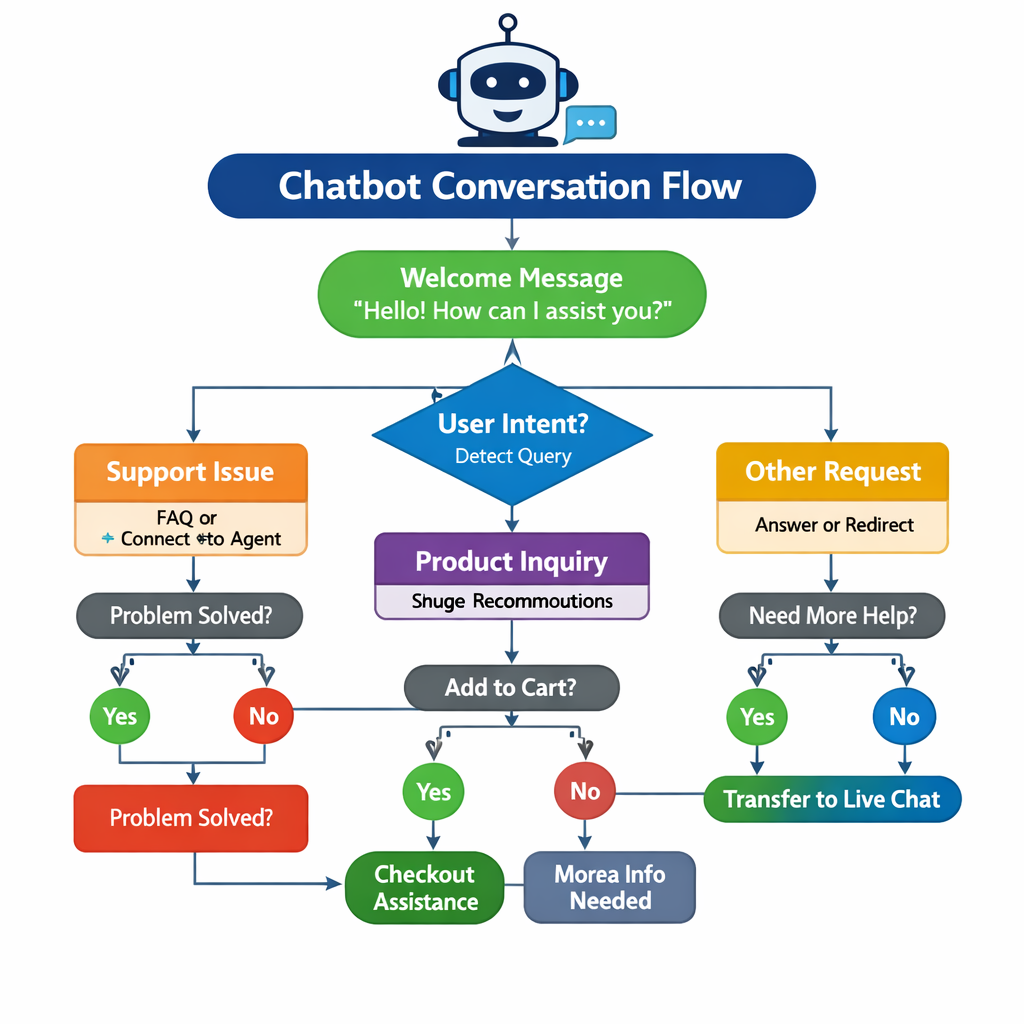
3. Design the Conversation Flow
A well-structured conversation flow is the backbone of any effective chatbot.
Key elements:
- Greeting message
- User intent recognition
- Clear response paths
- Fallback responses
4. Train Your Chatbot
If you’re using an AI-based chatbot, training is essential.
How to train:
- Add FAQs
- Use real conversation data
- Continuously update responses
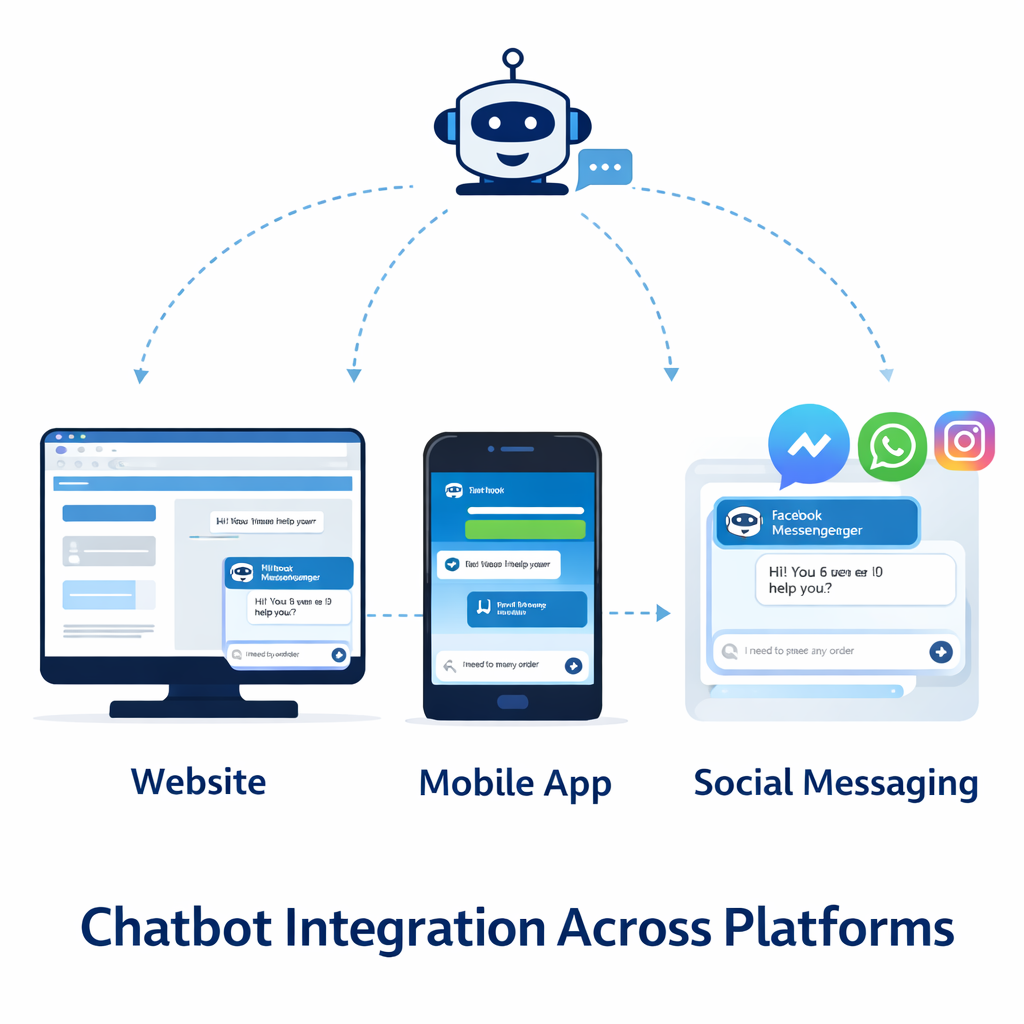
5. Integrate the Chatbot
You can integrate your chatbot into:
- Websites
- Mobile apps
- Social media platforms
This ensures users can interact with your chatbot wherever they are.
6. Test and Optimize
Testing ensures your chatbot performs correctly.
What to test:
- Response accuracy
- User experience
- Error handling
Optimization Tips:
- Analyze user interactions
- Improve weak responses
- Add new features
Best Practices for Using a Chatbot
To get the most out of your chatbot, follow these best practices:
Keep Conversations Simple
Avoid overwhelming users with too many options.
Use Natural Language
Make your chatbot sound human and friendly.
Provide Quick Responses
Speed is one of the biggest advantages of a chatbot.
Offer Human Support Option
Always allow users to connect with a real person if needed.
Advanced Ways to Use a Chatbot
Once you understand the basics, you can unlock more advanced capabilities.
1. Personalization
A smart chatbot can personalize responses based on:
- User behavior
- Preferences
- Past interactions
2. Lead Generation
A chatbot can:
- Collect user data
- Qualify leads
- Schedule appointments
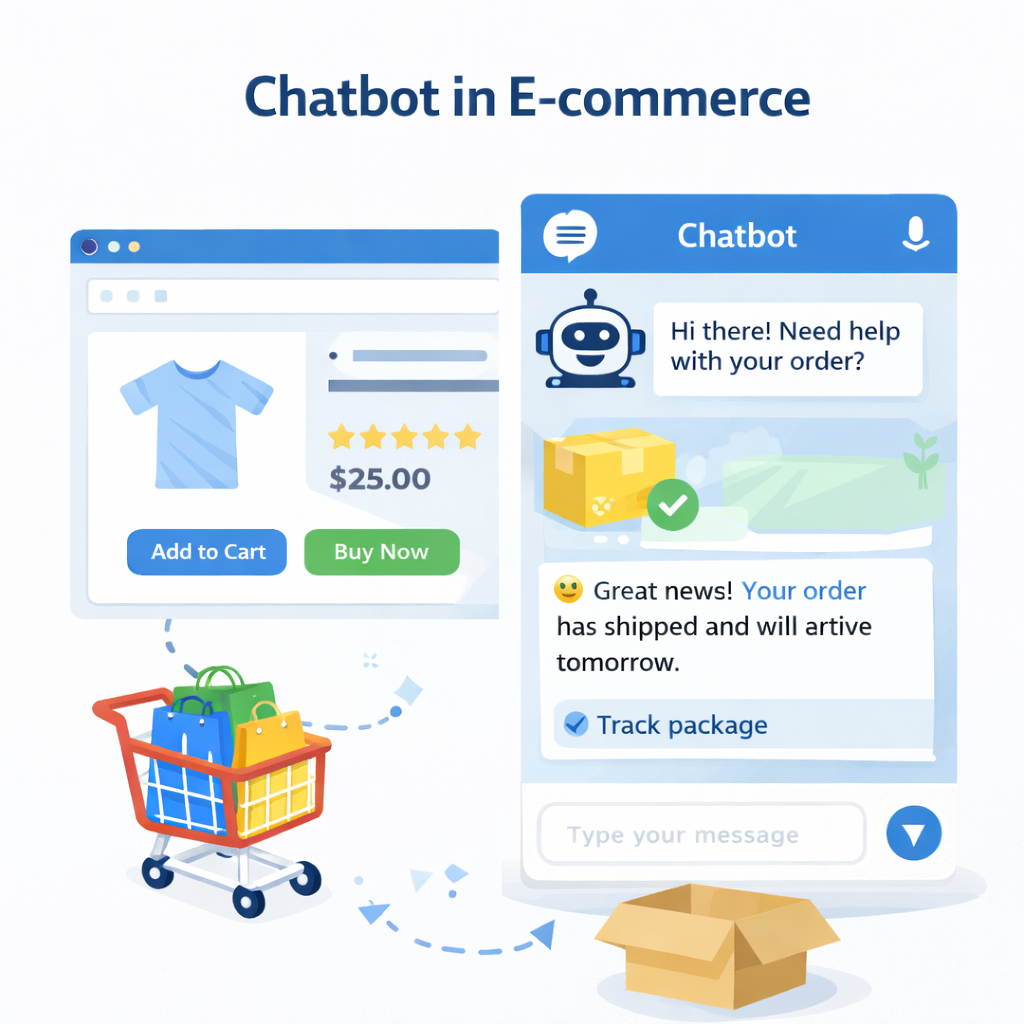
3. E-commerce Automation
Use a chatbot to:
- Recommend products
- Track orders
- Handle returns
4. Content Creation Assistance
A chatbot can help:
- Generate ideas
- Write drafts
- Edit content
Common Mistakes to Avoid
Even though a chatbot is powerful, improper use can reduce its effectiveness.
Mistakes:
- Overcomplicating the chatbot
- Ignoring user feedback
- Not updating content
- Lack of clear purpose
SEO Benefits of Using a Chatbot
A chatbot can significantly improve your SEO performance.
How it helps:
- Reduces bounce rate
- Increases user engagement
- Improves dwell time
- Enhances user experience
Google prioritizes websites that provide value, and a chatbot helps achieve that.
Chatbot Use Cases by Industry
1. E-commerce
- Product suggestions
- Customer support
2. Healthcare
- Appointment booking
- Symptom checking
3. Education
- Student assistance
- Course recommendations
4. Marketing
- Lead capture
- Campaign engagement
How to Measure Chatbot Success
Tracking performance is key to improving your chatbot.
Important Metrics:
- Response time
- User satisfaction
- Conversion rate
- Engagement rate
Future of Chatbots
The future of the chatbot is incredibly promising.
Trends to Watch:
- Voice-enabled chatbots
- AI-driven personalization
- Integration with smart devices
- Emotional intelligence in AI
Final Thoughts
Learning how to use a chatbot effectively is no longer optional—it’s essential in today’s digital landscape. Whether you’re a beginner or an experienced user, a chatbot can help you automate tasks, improve user engagement, and grow your business.
By following the strategies outlined in this guide—defining goals, designing conversations, integrating systems, and optimizing performance—you can unlock the full potential of a chatbot.
Start small, improve continuously, and soon your chatbot will become one of your most valuable digital assets.