How to Secure a WordPress Website From Hackers Effectively 2026
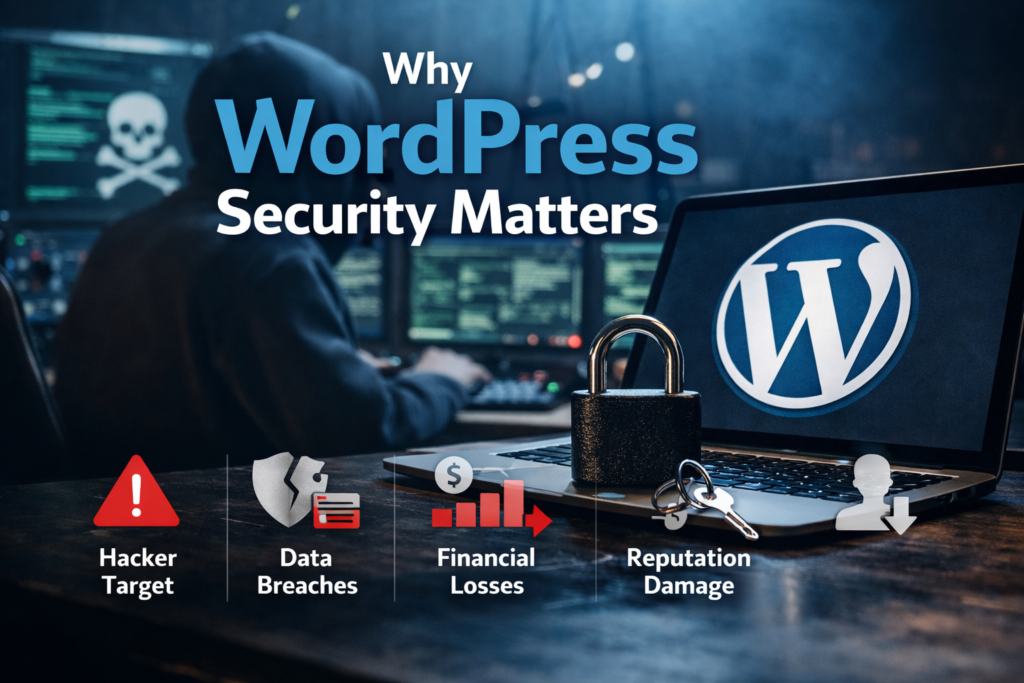
1. Introduction: Why WordPress Security Matters
Over 40% of all websites globally use WordPress. This presents a prime target for cybercriminals. If you’ve neglected to secure your WordPress site, you are one incident away from:
- Having sensitive customer data compromised
- Your company’s brand getting damaged
- Your company being at financial risk and might go out of business because of it
Securing your WordPress site is NOT optional. By proactively hardening your WordPress site, you’ll not only prevent attacks but will also maintain customer trust, maintain business operational continuity, and provide visitors with a professional and credible impression of your business. Do not take the unnecessary risk of ignoring how to secure your site.
2. Keep WordPress Core, Themes, and Plugins Updated
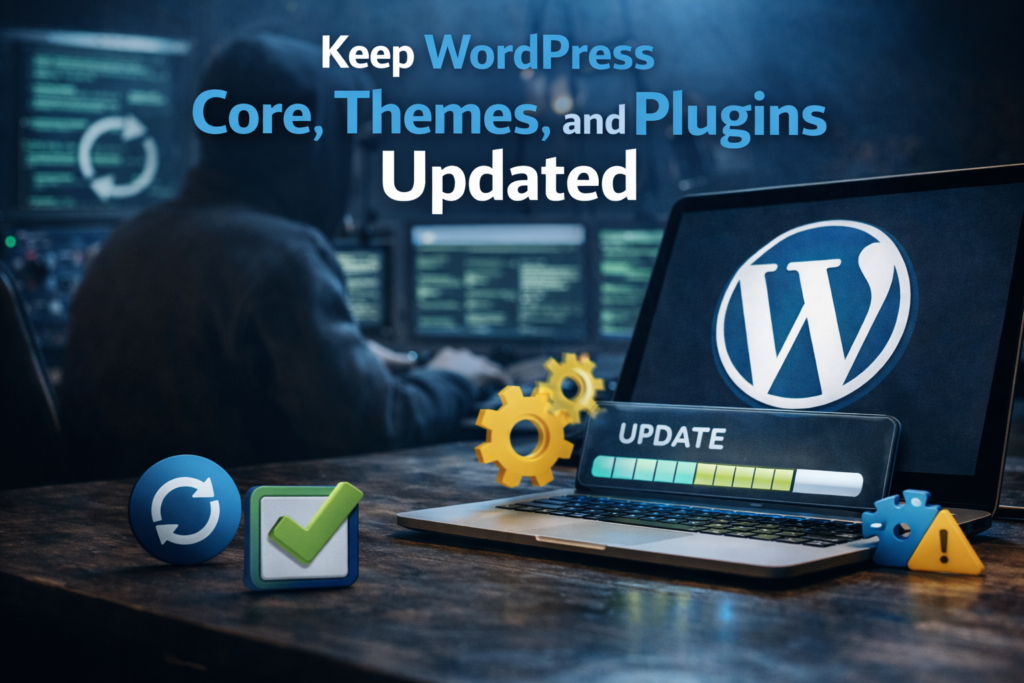
Updating WordPress may be boring, but it is your first and best line of defense against a cyber attack. WordPress continuously releases updates for the purpose of fixing security holes, optimizing the performance of WordPress, and providing new features. Themes and Plugins also require constant maintenance and can provide hackers with access to your WordPress website if not kept up to date. It is important to make updating WordPress a part of your daily/weekly/etc. ritual:
- As soon as a new version of WordPress is released, upgrade the website
- Audit and update all themes and plugins on a regular basis
- Delete any old plugins and/or themes that you are no longer using, as they create clutter which makes your site vulnerable
A well-maintained website is a well-secured website. You may think updating your website is repetitive; however, the reality is that staying up-to-date is an important reason why your previously hardened WordPress site.tive, but it actively closes the doors that hackers are constantly probing.
3. Use Strong Passwords and Enable Two-Factor Authentication
An insecure password is similar to keeping the front door to your house open and unlocked while living in a dangerous area. This type of security flaw is one of the easiest to exploit and most common ways to gain access to accounts. By using a strong password that is also unique, you can protect your WordPress account. Strong passwords use a combination of letters and numbers in unpredictable ways, along with symbols. Adding another layer of security through two-factor authentication (2FA), which is a secondary method to verify your identity (such as sending a text message with a code to your mobile phone or generating a code using an authenticator), will greatly increase your security level. 2FA locks out potential intruders from accessing your account even if they steal your passcode. A small addition will provide you with an exceptionally high level of security. In the event of cyberattacks, sometimes, the smallest measures can mean the difference between being safe and being compromised.
4. Manage User Roles and Permissions Carefully
When managing WordPress users, it is important to know that not everyone will need access to the entire site. Roles and permissions assigned incorrectly can result in users mismanaging sites willingly or accidentally. WordPress assigns specific roles such as Administrator, Editor, Author, Contributor, Subscriber, etc. This designation permits the use of different functions for each user role. The best practice is to grant users the minimum level necessary for them to complete their job and for you to ensure they have limited use of their role.
- Only provide administrative users with access rights for trusted sources;
- Carefully assign roles to users so that they can accomplish necessary tasks only;
- Regularly review user accounts and delete any dormant or required accounts;
By closely controlling who can do what, you minimize the possibility of errors caused by insiders, and prevent hackers from taking advantage of unused or neglected login accounts. Security is as much a people issue as it is a technology issue.
5. Install a Reliable WordPress Security Plugin
A reliable security plugin acts as a vigilant caretaker, always on the lookout for threats that may occur at any given time. Security tools such as Wordfence or Sucuri or iThemes Security do much more than just scan for malicious activity; they also offer firewalls, real-time alerts, login security/protection, and vulnerability reports. For non-technical users, security plugins take complex security measures and create simplified, actionable tasks. It’s like having a personal bodyguard stationed at every entrance to your website — always alert, always on duty, and never resting. Once you install a trusted security plug-in, threats have often been stopped before they can even reach your website.
6. Set Up a Web Application Firewall (WAF)
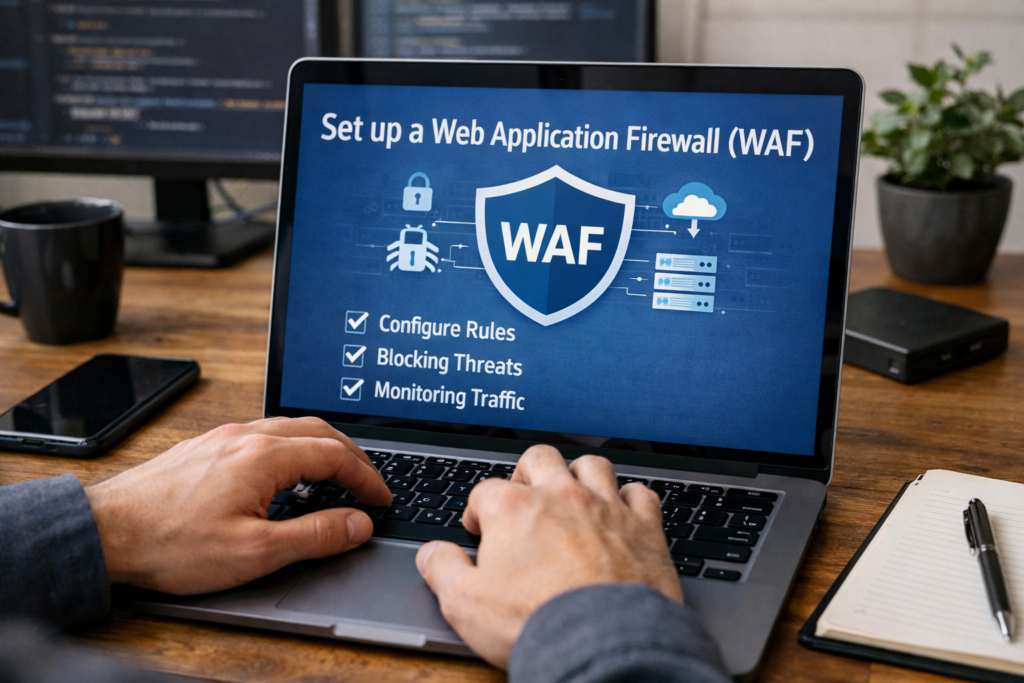
A web application firewall (WAF) serves as a safeguard between your WordPress website and the chaotic realm of the internet. It acts as a filter for incoming traffic (or requests) from other systems by blocking undesired requests to prevent them from reaching your server. WAFs typically intercept most of the commonly attempted exploits automatically, such as SQL injection and cross-site scripting attacks. WAFs are an important line of defense that significantly reduce the risk of being compromised, regardless of whether it’s integrated with your hosting provider or implemented through a plugin. A WAF provides an additional layer of protection by verifying that only safe traffic gets into your online domain
7. Limit Login Attempts and Monitor Suspicious Activity
One of the oldest and most effective methods of gaining access to sensitive information is to use brute-force attacks, in which a hacker repeatedly tries to guess a password until they can gain access successfully. In limiting the number of login attempts, you have a very strong initial barrier to unauthorized entry. In addition, if you are monitoring for unusual login activity from particular IP addresses, you can have real time visibility of any potential threats by utilizing these preventative measures. These actions may seem small; however, they will create a significant impact on deterring future attempts since many of these attempts are either stopped before they escalate to a serious attack or after. The best security isn’t always fancy; sometimes it’s just careful monitoring.
8. Regularly Backup Your Website
Accidents can occur on even the most secure site, like a server crash, plugin problems, or a hacker breach. Making sure you are doing regular backups of your site can provide a means to get back up and running as quickly as possible and can assist in decreasing downtime and preventing data loss if any occurs. Automated backup solutions that can create backups and store them in multiple locations including off-site or cloud storage are the best solutions to use. Backups provide much more than just precautions; they are also lifelines and serve as insurance policies that can help your website bounce back quickly with little disruption.
9. Secure Your Hosting Environment
Your hosting provider is the foundation of the security of your website. The provider’s level of security plays a critical role in how secure your website is. Therefore, you need to choose a hosting provider with safety as a priority that provides features such as server-level firewalls, malware scanning, and automated updates. Shared hosting is typically cheaper, but sometimes your website can be made vulnerable because of being on the same server as many other websites. Managed WordPress hosting provides additional security for your site because this type of provider has specific security controls designed to protect the specific environment of your site. For a successful website, you must start with a secure hosting environment.
10. Implement SSL Certificates and HTTPS
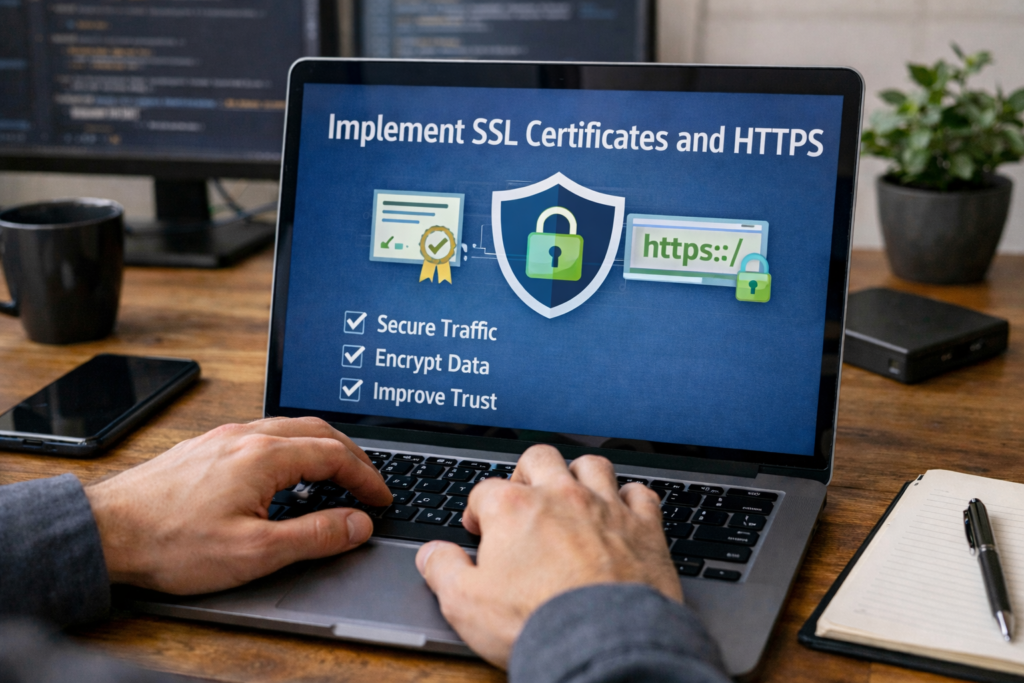
SSL certificates encrypt the communication between your website and its visitors, safeguarding sensitive information like passwords, credit card data, and personal details. HTTPS doesn’t just protect your users—it also enhances SEO and instills trust. Without SSL, your website is exposed to interception, eavesdropping, and man-in-the-middle attacks. For any professional or business website, SSL is no longer optional; it is an expectation. Encryption is the modern equivalent of locking the doors to your digital storefront.
11. Harden WordPress with Advanced Security Settings
Besides plugin and backup solutions, there are numerous advanced security configurations to further fortify your WordPress website against future attacks. Some of these additional steps include disabling file editing from within the admin dashboard, restricting access to key areas of the website, and changing the default login URL.
These techniques require a fairly technical understanding of your hosting server, but they provide a major benefit to you as they help eliminate the majority of attack vectors and protect against automated attacks that target predictable vulnerabilities.
Hardening your WordPress installation demonstrates a proactive approach to managing the security of your website instead of simply reacting to problems as they arise.
12. Monitor and Scan Your Website for Malware
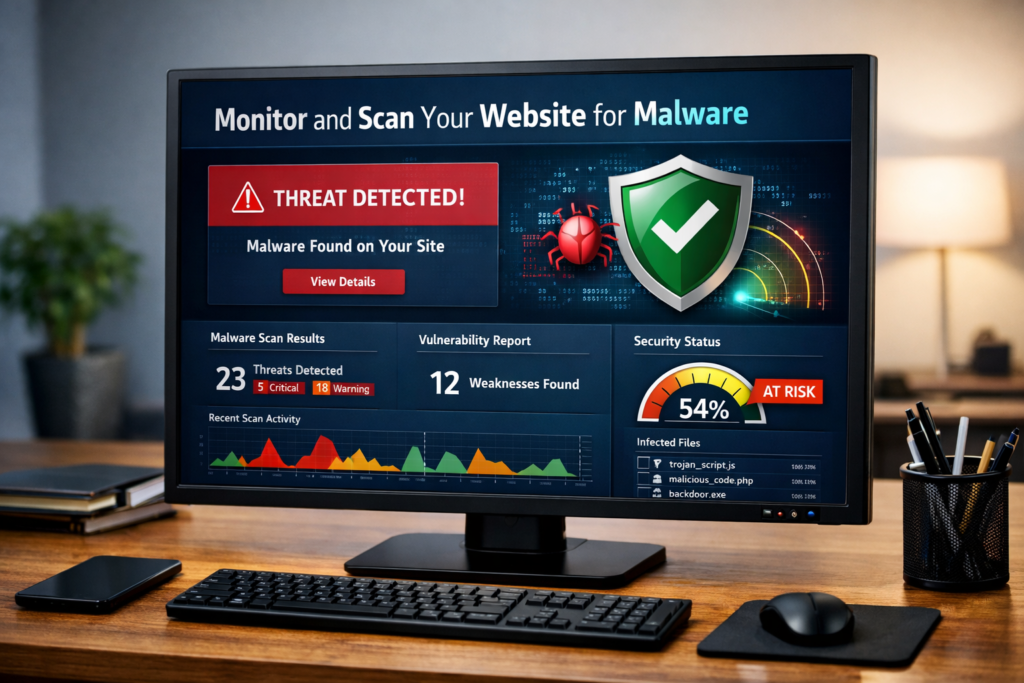
Continuous monitoring your website is critical to proactively defend yourself against cyber threats. Regularly scanning for various types of malware and suspicious code injections, along with monitoring for unauthorized changes, will help catch threats before they can develop into full-blown disasters.
Although automated malware scanning using plugins is very effective, conducting occasional manual inspections of your website will help bolster your confidence that you are doing everything possible to proactively protect your website. Detecting an attack during its early stages provides you with an opportunity to respond quickly and eliminates the risk of allowing a small problem to snowball into a catastrophic data breach.
In cyber security, the old adage, “an ounce of prevention is worth a pound of cure”, is very true.
13. Educate Yourself and Stay Updated on Security Trends
Cyber threats change every day. The solutions that worked yesterday might not work against today’s very sophisticated attacks. Being informed about new WordPress vulnerabilities, the status of your current plugin versions, and best practices on working with security will help you anticipate threats and take decisive action to avoid them. Keep your edge by subscribing to reputable blog sources on security, participating in user forums, and attending webinars. Remember that knowledge isn’t just power; it’s a form of protection. Keeping informed will keep your website as a potential target for hackers to become a well-protected stronghold that is able to stand against evolving threats.
Conclusion: Building a Secure WordPress Website
Securing a WordPress website is not one of those “set it and forget it” processes; it is a continuing and living commitment. Every update you apply to your website adds an additional layer on your digital protective wall around your site. Every time you enforce a strong password or have good user roles, you are adding additional layers to the wall. And, every time you backup your website (and have good backups) you add an additional layer to the wall. Security is not just about software; it is a combination of vigilance, foresight, and education working together.
A truly secure website combines proactive measures with constant monitoring. It harnesses the power of plugins, firewalls, SSL encryption, and regular backups, while simultaneously relying on an informed, attentive mindset to tackle emerging threats. Imagine it like constructing a fortified city: the walls and gates provide perimeter protection, but it is the alert citizens, careful planning, and constant vigilance that make the city resilient from within.
Ultimately, a secure WordPress site preserves your content, protects your visitors’ trust, and shields your business reputation. Prioritizing security transforms your website from a vulnerable target into a robust, reliable, and professional platform—capable of resisting attacks, recovering from setbacks, and thriving amidst the unpredictable currents of the digital world.